


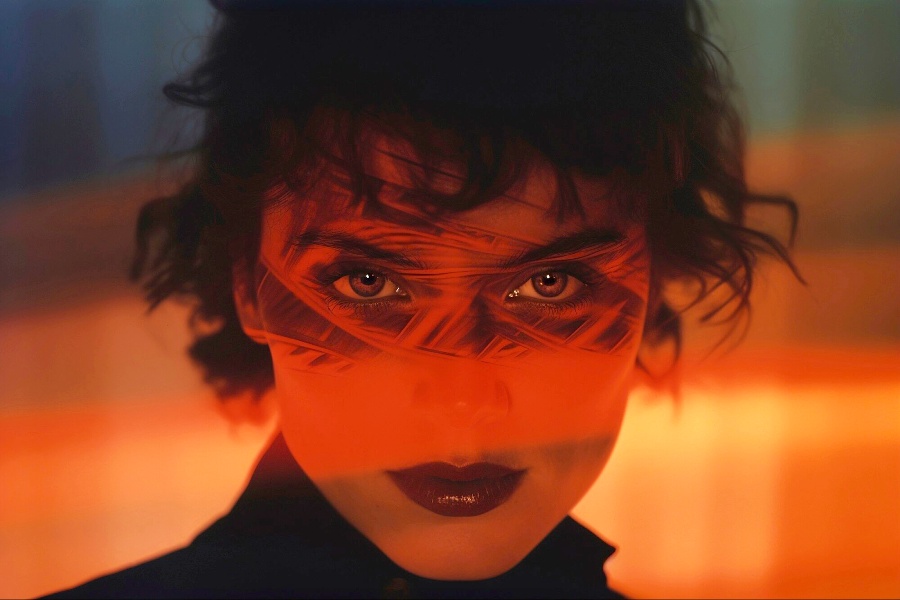
Red eyes are a truly irritating factor for most people. This drawback can easily distort and worsen any image. Years ago, a red-eye effect was something that a photographer had to accept and forget about that photo at all. This decision was especially disappointing if the picture was actually stunning in all other turns. Nowadays, there is no need to take radical steps. Modern technologies enable you to correct a photo in seconds. By simply applying an advanced photo editor https://retouchme.com/service/red-eye-remover/ you can save your photo and make it look stunning again. If you are interested in the reasons why the red eyes appear during the shots, the below explanation will clarify all the things for you. And of course, you will get here tested strategies on how to enhance the quality of your images by erasing red eyes from there.
The Main Reason Why the Eyes Become Red in Photos
The reason why the eyes become flashy in the images is very simple. When you take a photo and use a flash, the light is heavily reflected from the eyes. This stream exactly makes them look flashy in the photos. By the way, they may appear not in a red color solely. Sometimes, eyes may also become bright yellow. But, the reason is the same.

How to Get Rid of the Colored Eyes During the Shots

There are several strategies helping to correct the eyes to their natural color, the application of each strategy depends on the type of device used for making the shots:
- If you are using a smartphone, look through its functions attentively. Most smartphones have a must-have feature aimed at eliminating the red-eye view. You will need to find and opt for it. The image will be corrected by default.
- If you have printed your photo out and only afterward have noticed the red eyes in it, you should scan and correct its digital copy only. There is also an alternative solution of using a special highlighter to correct the red eyes. But, it will highlight this change making it pretty visible in the end.
- PRO editors enable them to deal with problematic digital images in two ways. First, most advanced photo editors have an integral feature providing the opportunity to modify the eye tone and erase any red shades in a couple of clicks. Second, you can make a top layer by taking a good sample from another photo to close the red eyes in your target photo. The second option sometimes may be the single one workable since the automatic correction may not cope with the entire space where the eyes are flashy.
How to Block Red Eyes Emerge in Your Photos
Professional photographers have elaborated on and tested many tips that actually prevent the red eyes appearing in the photos. Here are some of them that are extremely easy to implement even if you are a beginner:
- Don’t look right into a camera. Remember that this is the exact reason why the eyes become red in the photos. Instead, turn your head to the left or right a bit – make your choice depending on the idea of a photo and which side of your face looks better in the photos.
- Make a bit more intense light in a room where you make a shot. This will have an impact on the eyes that will not reflect nearly all the light. Thus, the risk of making the eyes red in the photo will be decreased a lot.
- You may be surprised but nearly all photo cameras have a must-have feature that prevents the eyes from becoming flashy in the photos. Here is how this important technology works in a nutshell. Before making a shot, a device carries out several short and fast flashes. This impacts the eyes making the space that reflects the light much smaller. As the final outcome, less light is reflected by the eyes and the risk of having your eyes red in the photos is much lower than usual.
- Benefit from external flash. Of course, this approach is not applicable to the devices that have internal flashes. But, if you have the exact device that allows you to benefit from any outer flash, advise you to use this option. Thanks to the light that goes a bit above the eye level, it is not reflected from the eyes. And therefore, the eyes are not colored in the images.
Bottom line
The red-eye image is a negative consequence of utilizing the flash while taking photos. The light reflected from the surface of the eyes creates exactly this red effect which can worsen any, even a TOP one, look. Use advanced photo editors to get rid of such drawbacks in your images. Also, take some steps to skip it from your agenda – apply the tips mentioned in this article to decrease the amount of work during the next editing of your photos.